 Kweeri
Appearance
How to take great pictures of receipts ?
The quality of a receipt directly impacts the quality of the analysis. Here is a guideline to help you send great receipts to have good results.
General conditions
- 🏙 Background should be contrasted (ideally dark), without pattern
- ☀️ Sufficient luminosity and contrast (avoid black and white, filtered and binarized image)
- 👓 No blur
- 📷 Enough image resolution (we must be able to zoom and sufficiently read characters on the receipt).
- 🖍 Avoid editing image (no pre-cropping, no metadata destruction like exif loss)
Position of receipt on the picture
- The picture should be taken vertically with the normal reading orientation of the receipt (top of the receipt = top of the picture).
- The receipt should represent a rectangle in the picture as much as possible. Avoid taking pictures in perspective. So be in front of the receipt as much as possible when taking the picture.
- The receipt should be flat (rectangle!), no folds.
- The receipt should present the integrality of the necessary information: avoid partial pictures.
We cannot analyze what is not on the picture.
Requirements on the receipt's quality
- The receipt should be readable by human, without faded characters.
- The receipt should not be wrinkled or damaged in any other way that affects the quality of the text.
- The receipt should not have any added writings: no underlinings, circles, etc.
- The receipt should not be folded or hidden in any part.
- The receipt image should be as original as possible
Recommendations
We use the whole image to extract data, even its metadata: we can extract GPS information and more from exif metadata, so be sure to preserve those data when sending images to our system to get the maximum performance.
Picture examples
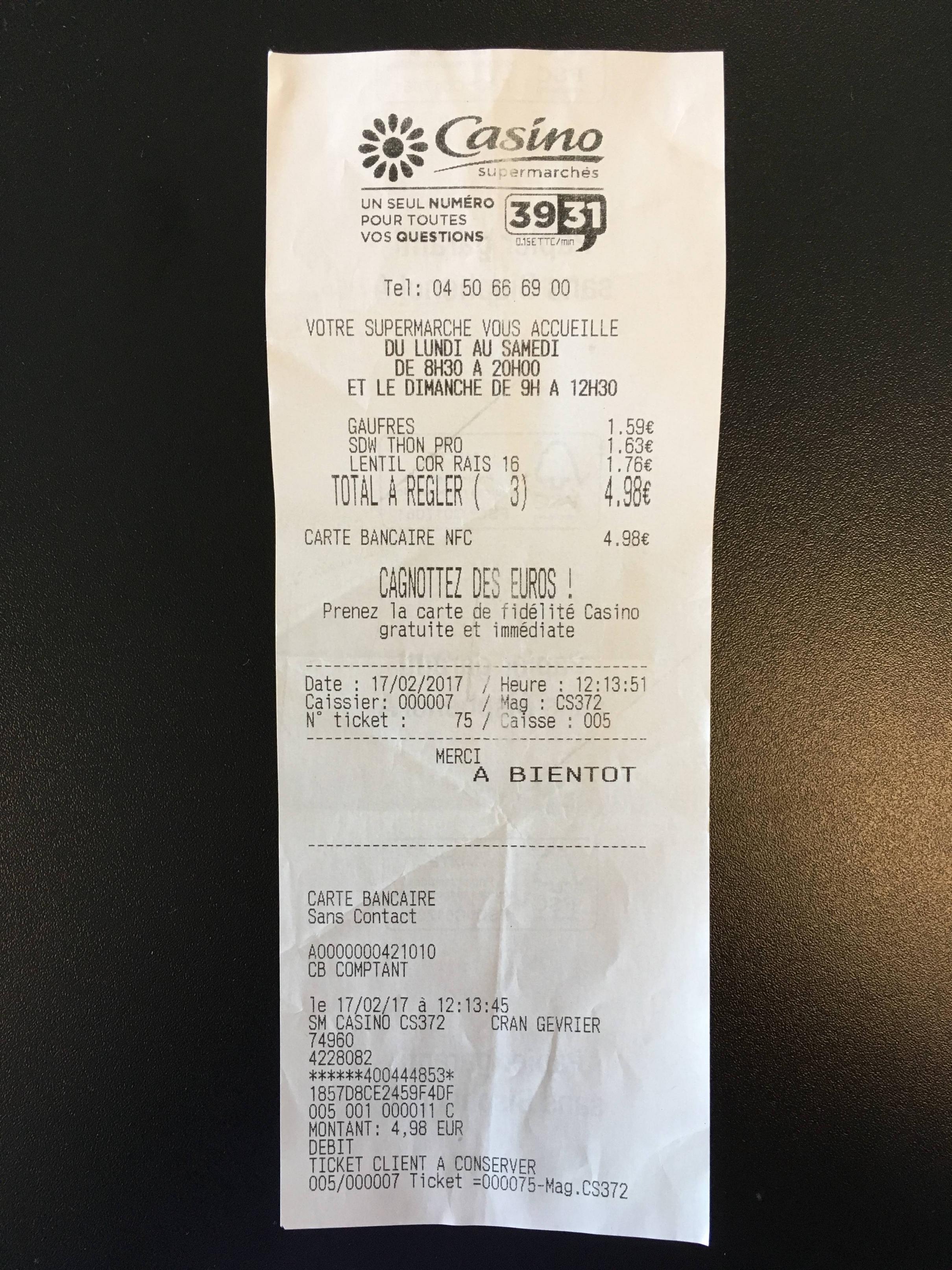
✅ Here is a good picture example:
🚫 Here are some bad picture examples:
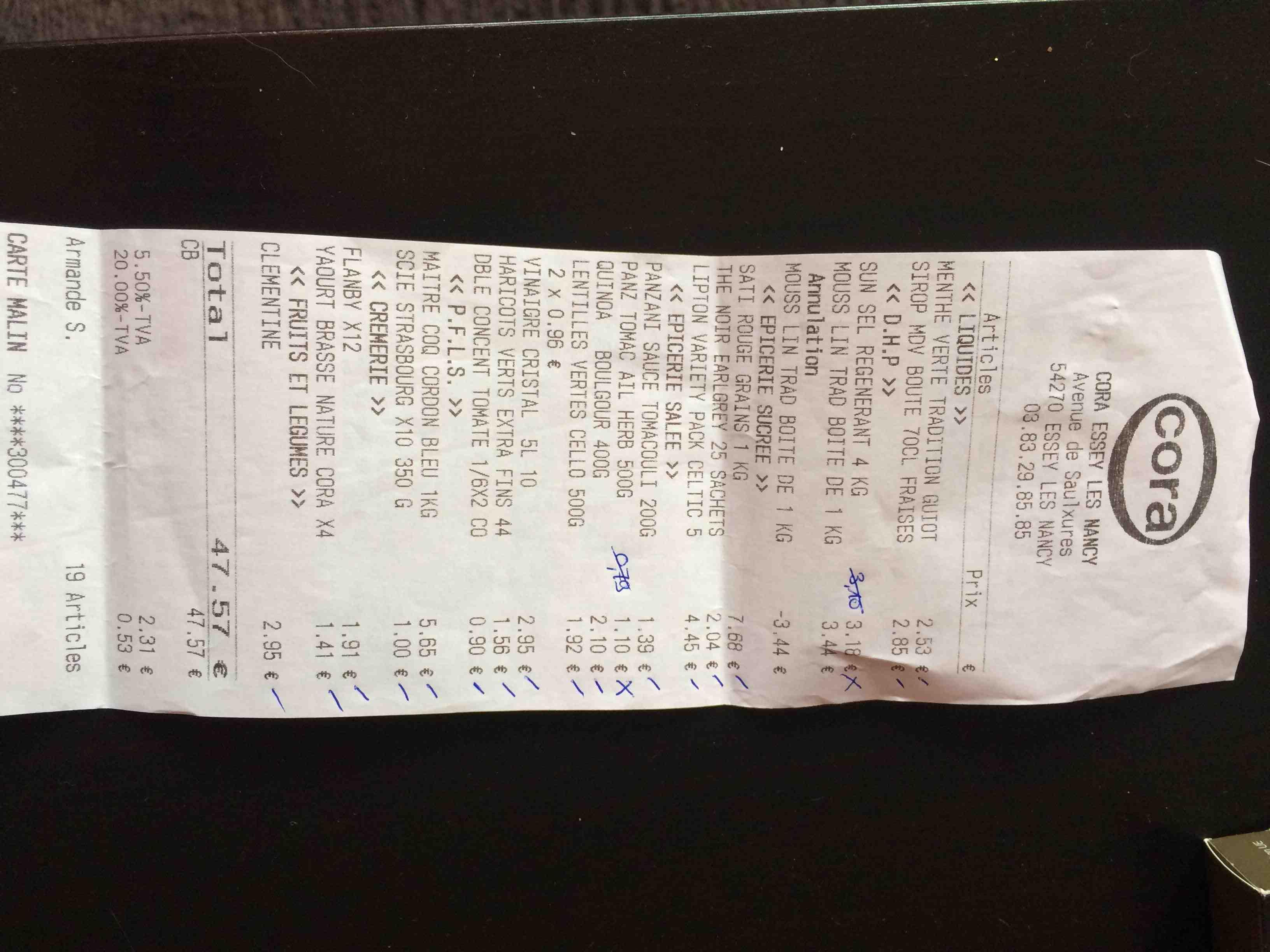
- Wrong orientation
- Extra writings
- Cut receipt (not all information can be found)
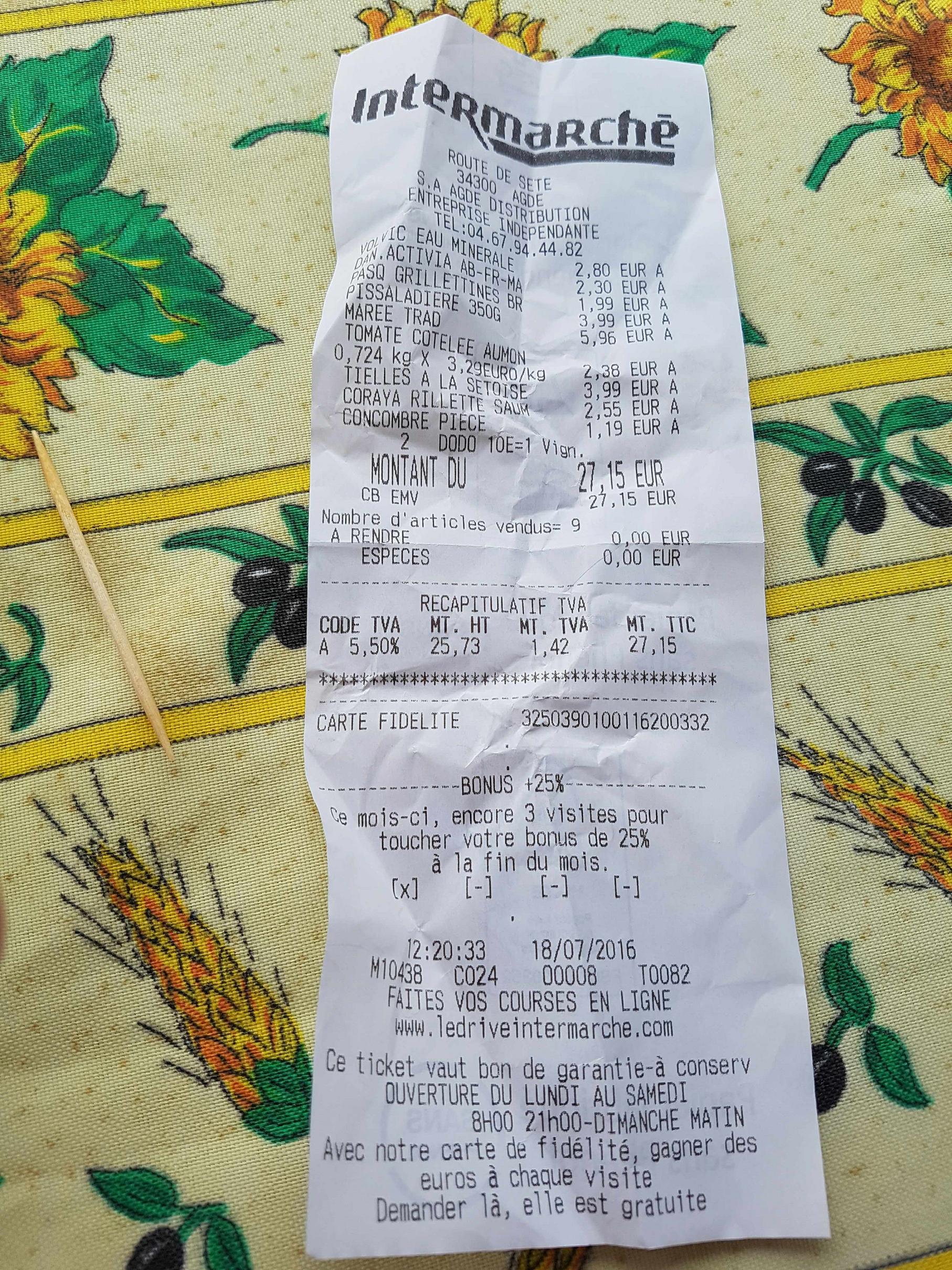
- Background not unified
- Receipt is not rectangular: wrinkled, not flat